
appaw.github.io

Appaw Store

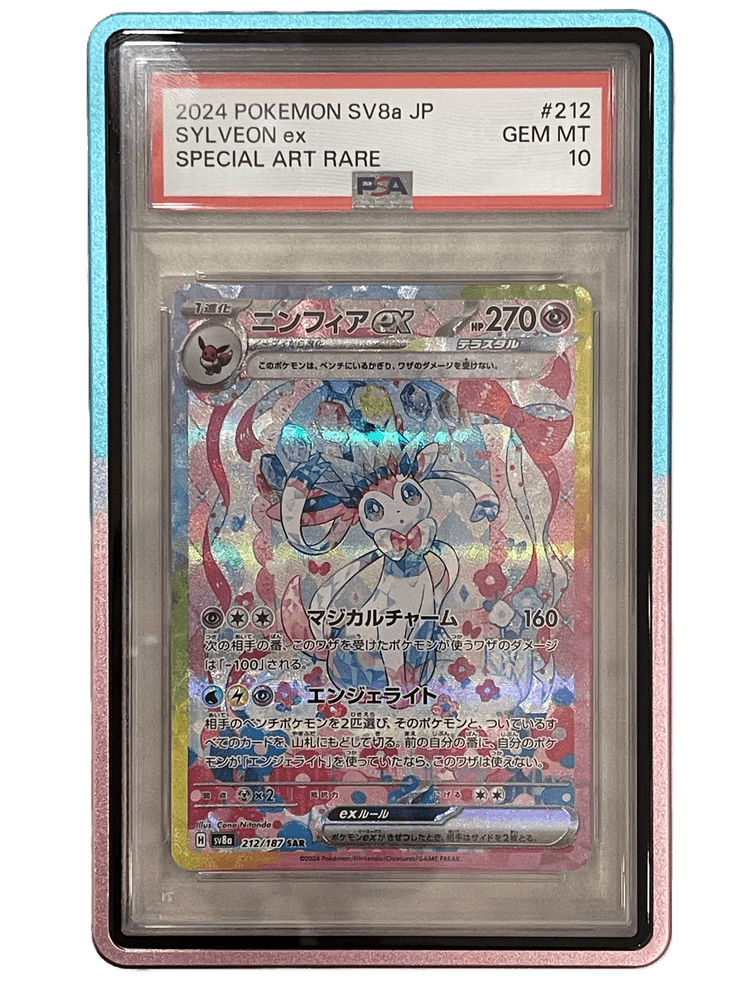
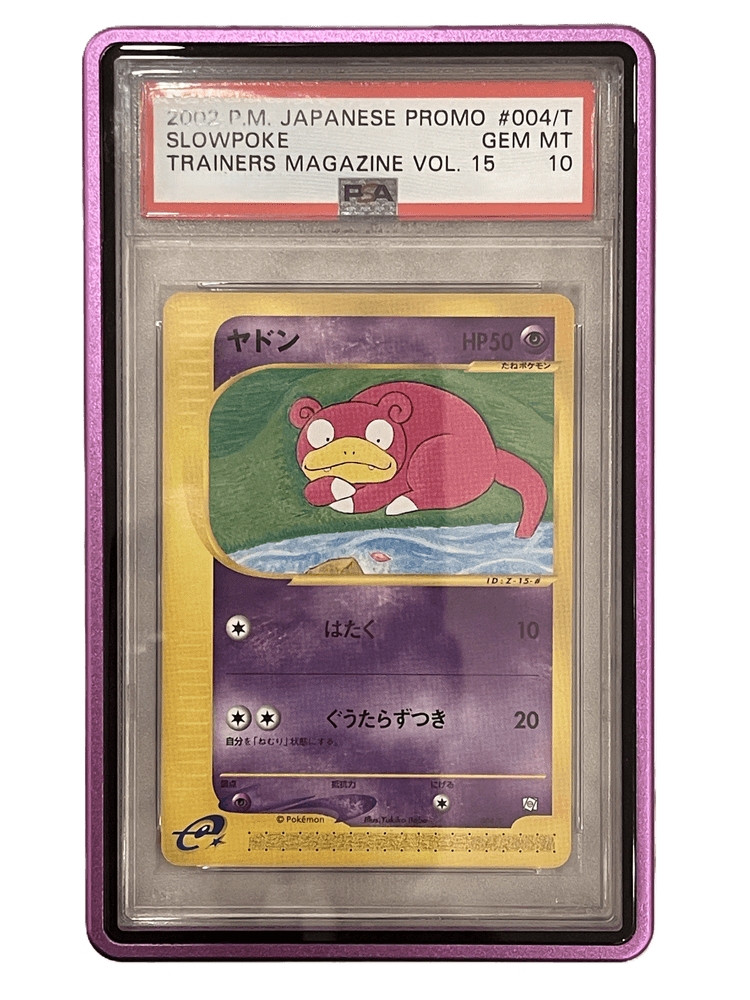
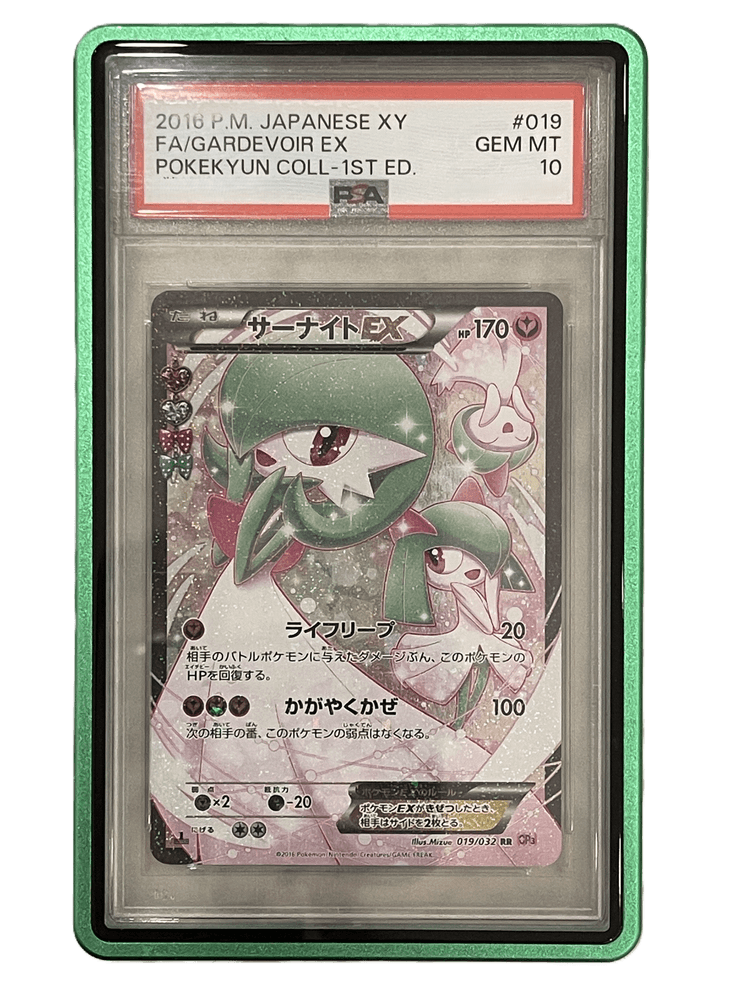
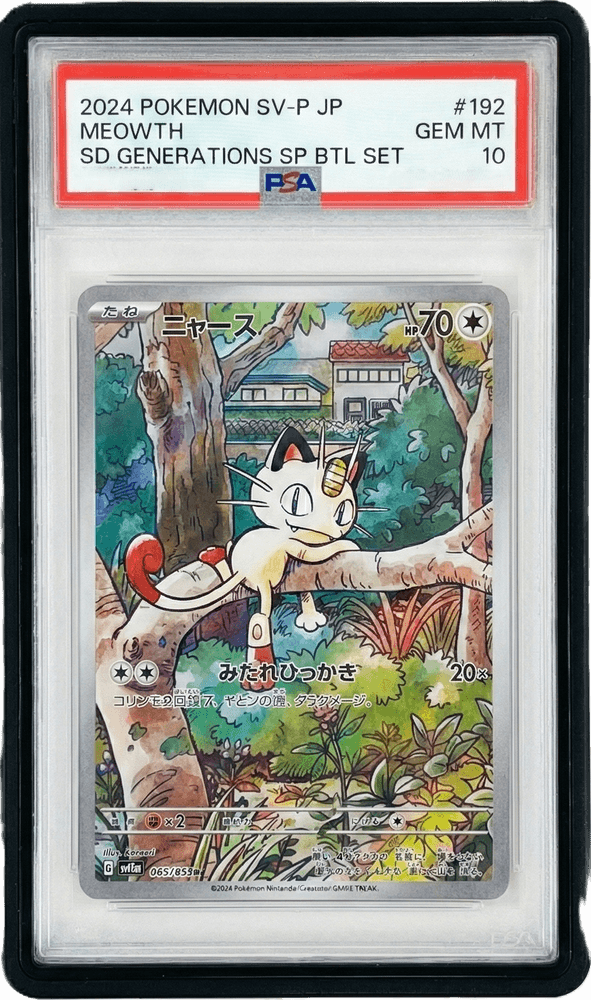
A modern e-commerce and collector platform for Appaw Store — featuring PSA card aluminium protectors, a graded Pokémon card marketplace, and an authenticated personal card collection manager.

Tech Stack

Features

Getting Started

Prerequisites

Installation

npm install

Development

npm run dev

Opens https://localhost:3000 (HTTPS via --experimental-https).

Build for Production

npm run build

Static files are generated in the out/ folder.

Image Optimisation (optional pre-build step)

npm run optimize-images        # Windows
npm run optimize-images-linux  # Linux / macOS
npm run optimize-and-build     # Optimise then build in one step

Deployment

Configured for GitHub Pages with the custom domain appaw.store.

Project Structure

src/
├── app/                        # Next.js App Router pages
│   ├── page.tsx                # Home
│   ├── about/                  # About page
│   ├── privacy/                # Privacy policy
│   ├── style-guide/            # Design system (dev only)
│   ├── products/
│   │   └── psa-protectors/     # PSA Aluminium Protector product page
│   ├── business/
│   │   ├── page.tsx            # Business overview
│   │   ├── card-trading/       # Public card marketplace
│   │   │   └── [id]/           # Individual card detail page
│   │   └── psa-protector/      # Redirect → /products/psa-protectors
│   ├── collection/             # 🔒 Auth-protected collection manager
│   │   ├── page.tsx            # Landing / sign-in prompt
│   │   ├── list/               # Card list view
│   │   ├── auth/               # Auth0 callback handler
│   │   ├── card/
│   │   │   ├── new/            # Add card form
│   │   │   └── edit/           # Edit card form
│   │   ├── CardFormClient.tsx  # Shared add/edit form logic
│   │   ├── CollectionClient.tsx
│   │   ├── types.ts            # Shared types & normalise helpers
│   │   ├── components/         # CollectionListView, CardFormView, shared…
│   │   └── lib/                # apiCache
│   ├── admin/
│   │   └── trade-cards/        # 🔒 Admin card management
│   ├── api/
│   │   ├── admin/              # Admin API routes
│   │   └── graphql/            # GraphQL proxy
│   ├── graphql/                # GraphQL page
│   └── sitemap.ts              # Dynamic sitemap generator
├── components/                 # Shared UI components
│   ├── layout/                 # Header, Footer
│   ├── ui/                     # Buttons, Cards, etc.
│   ├── CookieConsent.tsx
│   ├── RetailPartners.tsx
│   ├── ScrollProgressBar.tsx
│   └── PageTransition.tsx
├── context/                    # LanguageContext
├── hooks/                      # useCards
├── i18n/                       # en.ts, zh.ts, index.ts
├── lib/                        # card-helpers, cards-api, graphql, utils
├── providers/                  # Auth0Provider
└── styles/                     # globals.css (Tailwind v4)

Pages

Route Access Description
/ Public Home — hero, features, product showcase
/about/ Public About Us
/privacy/ Public Privacy policy
/products/psa-protectors/ Public PSA Aluminium Protector product page
/business/ Public Business services overview
/business/card-trading/ Public TCG card marketplace listing
/business/card-trading/[id]/ Public Individual card detail (shareable URL)
/collection/ 🔒 Auth Collection manager landing
/collection/list 🔒 Auth Card list with portfolio tabs
/collection/card/new 🔒 Auth Add a new card
/collection/card/edit?id= 🔒 Auth Edit an existing card
/admin/trade-cards/ 🔒 Admin Admin card management
/style-guide/ Dev Design system reference

Collection Manager

The /collection section is an Auth0-protected app that connects to a separate backend API (NEXT_PUBLIC_BACKEND_URL).

Key capabilities

Environment variables

Variable Description
NEXT_PUBLIC_BACKEND_URL Base URL of the collection backend API
NEXT_PUBLIC_AUTH0_DOMAIN Auth0 domain
NEXT_PUBLIC_AUTH0_CLIENT_ID Auth0 SPA client ID
NEXT_PUBLIC_AUTH0_REDIRECT_URI Callback URL after login
NEXT_PUBLIC_AUTH0_AUDIENCE Auth0 API audience (for access tokens)

Card Trading Marketplace

Public cards are managed in public/data/trade-card.json. Each entry generates a static detail page at /business/card-trading/[id]/ at build time.

Adding / Editing a Card

  1. Edit public/data/trade-card.json
  2. Run npm run build — static pages are regenerated automatically
  3. The sitemap and all JSON-LD structured data update alongside

Card Fields (TradingCard)

Field Type Required Description
id string (UUID) Unique identifier — used as the URL slug
name string Card name
year number Print year
company "PSA" \| "BGS" \| "CGC" Grading company
grade number Numeric grade (e.g. 10, 9.5)
isBlackLabel boolean PSA Black Label — adds a gold BL badge
image string Front image path (relative to /public)
imageBack string Back image path — enables 3D flip & magnifier
set string Set name
number string Card number within the set
certNumber string Grading certificate serial number
price number Listing price
currency string ISO currency code (e.g. "HKD")
language string Card language
description string Long-form description for detail page & SEO
sold boolean true shows SOLD ribbon and removes CTA
bundleCards BundleCard[] Cards sold as a complete set

Bundle Fields (BundleCard)

Field Type Required Description
name string Card name
image string Front image path
imageBack string Back image path
company "PSA" \| "BGS" \| "CGC" Grading company
grade number Grade
isBlackLabel boolean PSA Black Label
certNumber string Certificate number

SEO & Analytics

Colour Palette

PSA Card Aluminium Protector Specs

License

MIT

Tech Stack

Features

Getting Started

Prerequisites

Installation

npm install

Development

npm run dev

Open http://localhost:3000 in your browser.

Build for Production

npm run build

The static files will be generated in the out folder.

Deployment

This project is configured for GitHub Pages deployment with custom domain (appaw.store).

Manual Deployment

  1. Run npm run build
  2. Deploy the out folder to your hosting service

GitHub Actions (Automatic)

Push to the main branch to trigger automatic deployment to GitHub Pages.

Project Structure

src/
├── app/                     # Next.js App Router pages
│   ├── products/           # Product pages
│   │   └── psa-protectors/ # PSA protector product page
│   ├── business/           # Business services
│   │   └── psa-protector/  # Redirect to products
│   ├── about/              # About page
│   └── style-guide/        # Design system
├── components/             # Reusable components
│   ├── layout/            # Layout components (Header, Footer)
│   ├── ui/                # UI components (Button, Card)
│   └── CookieConsent.tsx  # GDPR cookie banner
├── context/               # React context (Language)
├── i18n/                  # Translation files (en.ts, zh.ts)
├── lib/                   # Utilities
└── styles/                # Global styles (Tailwind v4)

Pages

Card Trading Marketplace

Cards are managed in public/data/trade-card.json. Each entry generates a static detail page at /business/card-trading/[id]/ at build time.

Adding / Editing a Card

  1. Edit public/data/trade-card.json
  2. Run npm run build — static pages are regenerated automatically
  3. The sitemap and all JSON-LD structured data update along with the pages

Card Fields (TradingCard)

Field Type Required Description
id string (UUID) Unique identifier — used as the URL slug. Generate with crypto.randomUUID()
name string Card name displayed in the listing and detail page
year number Year the card was printed / released
company "PSA" \| "BGS" \| "CGC" Grading company
grade number Numeric grade (e.g. 10, 9.5, 8)
isBlackLabel boolean true for PSA Black Label (perfect 10 sub-grades). Adds a gold BL indicator
image string Path to front image relative to /public (e.g. /images/cards/mycard.png)
imageBack string Path to back image. When present, enables the 3D flip toggle and magnifier
set string Set name (e.g. "Obsidian Flames")
number string Card number within the set (e.g. "211/197")
certNumber string Grading certificate / slab serial number
price number Listing price (numeric, no symbol)
currency string ISO currency code (e.g. "HKD", "USD")
language string Card language (e.g. "Japanese", "English")
description string Long-form description shown on the detail page and used for SEO meta
sold boolean true marks the card as sold — shows a SOLD ribbon on the image, strikethrough price, and replaces the WhatsApp CTA with a “sold” notice. Defaults to false
bundleCards BundleCard[] Present when listing a set / bundle — see below

Bundle / Set Fields (BundleCard)

Use bundleCards to list a complete set where all cards are sold together. The parent card’s price is the total set price.

Field Type Required Description
name string Individual card name
image string Front image path
imageBack string Back image path
company "PSA" \| "BGS" \| "CGC" Grading company for this card
grade number Grade for this card
isBlackLabel boolean PSA Black Label for this card
certNumber string Certificate number for this card

Minimal Example (single card)

{
  "id": "xxxxxxxx-xxxx-xxxx-xxxx-xxxxxxxxxxxx",
  "name": "Pikachu VMAX",
  "year": 2020,
  "company": "PSA",
  "grade": 10,
  "image": "/images/cards/pikachu-vmax.png",
  "imageBack": "/images/cards/pikachu-vmax-back.png",
  "set": "Vivid Voltage",
  "number": "044/185",
  "certNumber": "78912345",
  "price": 2500,
  "currency": "HKD",
  "language": "Japanese",
  "description": "Rainbow rare Pikachu VMAX in perfect PSA 10 condition.",
  "sold": false
}

Bundle Example (full set)

{
  "id": "xxxxxxxx-xxxx-xxxx-xxxx-xxxxxxxxxxxx",
  "name": "Eeveelution VMAX Complete Set",
  "year": 2021,
  "company": "PSA",
  "grade": 10,
  "set": "Eevee Heroes",
  "price": 45000,
  "currency": "HKD",
  "language": "Japanese",
  "description": "Complete set of all Eeveelution VMAX alternate arts.",
  "sold": false,
  "bundleCards": [
    {
      "name": "Jolteon VMAX",
      "image": "/images/cards/jolteon-vmax.png",
      "company": "PSA",
      "grade": 10,
      "certNumber": "11111111"
    }
  ]
}

Key Features

Animations

SEO & Analytics

Color Palette

Technical Specifications

PSA Card Aluminum Protector

License

MIT